

Monitor and manage your broadband network
One
from one place.
- OLT, ONU & ONT monitoring
- Fault alarms
- Remote management
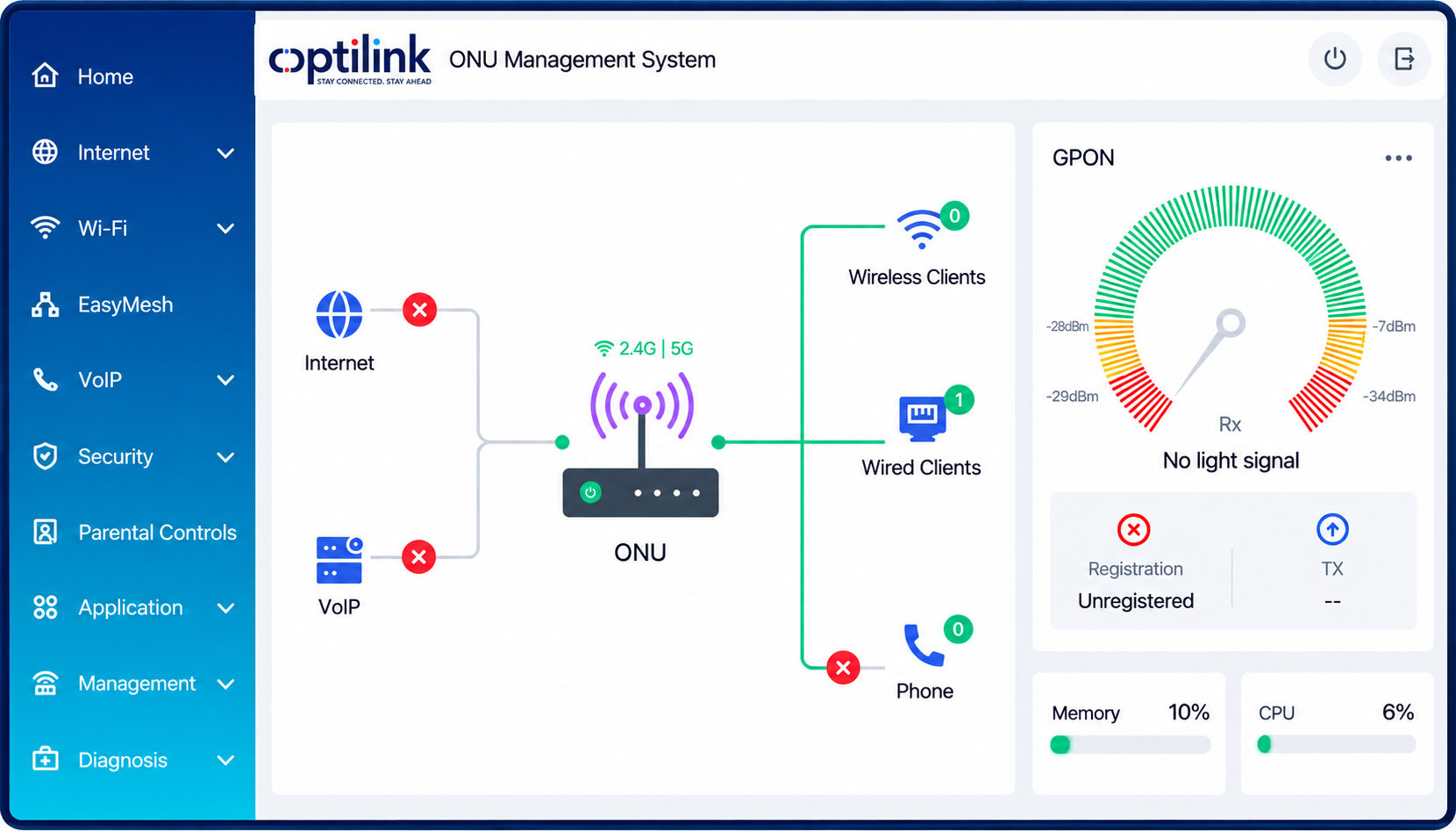
One platform. A connected operation.
- OLT • ONU • ONT
- TR-069 & SNMP
- Cloud or on-premises
One system to keep track of your
network devices.
Know what's working
Check device status, performance and network traffic from one place.
Spot problems sooner
See alarms and check which devices or connections need attention.
Take action remotely
Run supported tests, change settings and restart compatible devices.
Everything your team needs to manage
network devices.
Online & offline status
See which supported OLTs, ONUs and ONTs are connected and which need attention.
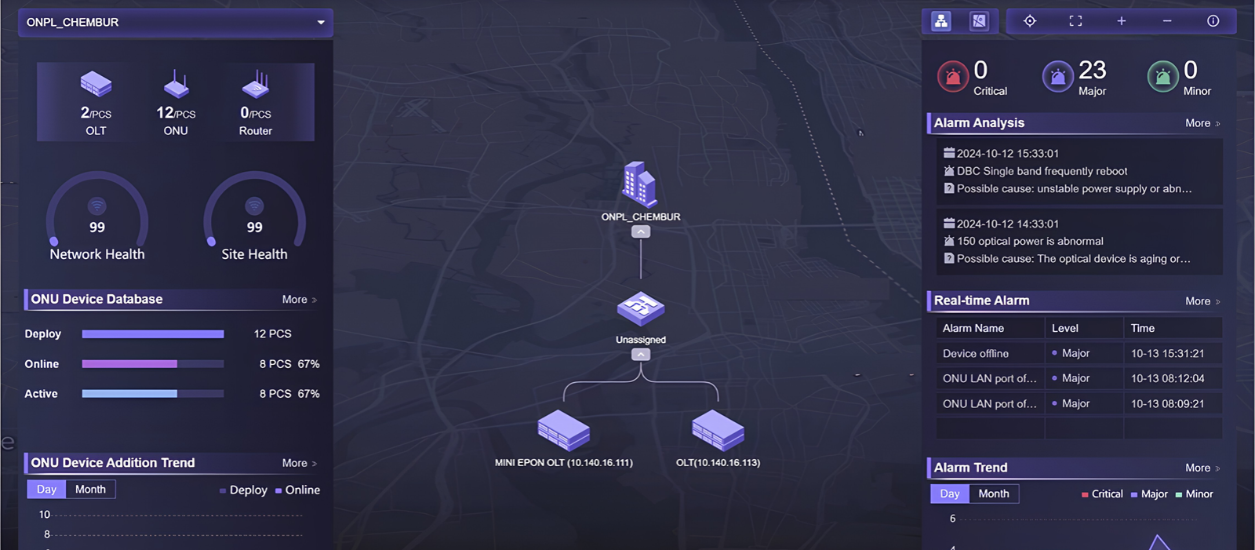
Fault alarms
Review alarms when devices report faults or go offline, so your team knows where to investigate.
Remote device management
Run supported diagnostics, change available settings or restart compatible devices.
Batch ONT configuration
Automatically configure compatible ONTs and update multiple supported devices together.
Traffic monitoring
Review PON port and uplink traffic trends to help plan network capacity.
Third-party compatibility
Support compatible third-party ONUs/ONTs via TR-069 and third-party OLTs via SNMP.
A clearer picture.
A more informed team.
From device health to traffic trends, bring the information that matters into focus.
Review traffic statistics for OLT PON ports and uplinks to understand usage patterns and support network capacity planning.
A connection goes down.
Where do you start?
Give your team a simple path to investigate the problem.
Find the affected device
Use device status and alarms to identify the connection that needs attention.
Look into the problem
Run supported diagnostic tools and check whether affected connections share an OLT or PON port.
Take the next step
Use available remote tools or guide your field team with a better understanding of the issue.
One area.
Multiple connections offline.
Instead of checking every connection separately, your team investigates the equipment they share.
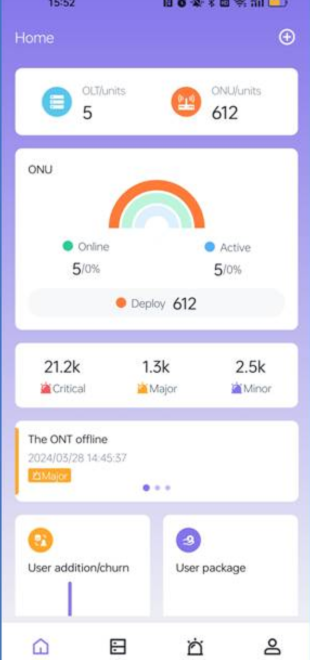
Out of the office.
Still in the loop.
Access your network from your phone. Check supported devices and investigate issues without always returning to your desk.
- Check device status while on the move
- Receive alerts when attention is needed
- Access supported management and diagnostic tools
Designed for teams that run
broadband networks.
Internet Service Providers
Monitor subscriber access devices and troubleshoot faults.
Cable & Broadband Operators
Manage supported access network equipment centrally.
Telecom Operators
Review compatible device status, traffic and alarms.
NOC Teams
Investigate outages and perform supported remote actions.
Your devices.
Your deployment.
Choose an approach that fits your infrastructure and confirm support for the equipment you use.
Flexible deployment
Cloud-based SaaS or on-premises installation, with options for managing multiple tenants.
→Simpler configuration
Automatic configuration and batch configuration for compatible ONTs help streamline repetitive tasks.
→Business insights
Explore potential customer churn and package expiry reminders, depending on available data and integrations.
→Support across compatible equipment
Manage compatible third-party ONUs/ONTs through TR-069 and supported OLTs through SNMP. Capabilities vary by model, firmware and integration.
→Connect with your existing systems
Northbound APIs support integration with external systems. Discuss your billing, provisioning and operational requirements with the Optilink team.
→Optiview, explained.
Optiview is Optilink’s central management system for monitoring and managing supported broadband network devices, including OLTs, ONUs and ONTs, from one platform.
Optiview supports compatible third-party devices through protocols such as TR-069 and SNMP. Share your device models and firmware details with Optilink to confirm the available features.
Yes. The Optiview mobile app provides access to supported network monitoring and management features. Ask the team for a walkthrough of the app.
Optiview supports both on-premises and cloud-based SaaS deployment. The appropriate option depends on your network, infrastructure and operational requirements.
Start with a demo. Share the brands and models of your OLTs and ONTs, your network size and the tasks you want to manage. The team can confirm compatibility and deployment requirements.